iPhone app + Chrome extension
Your collection,
live on every stream.
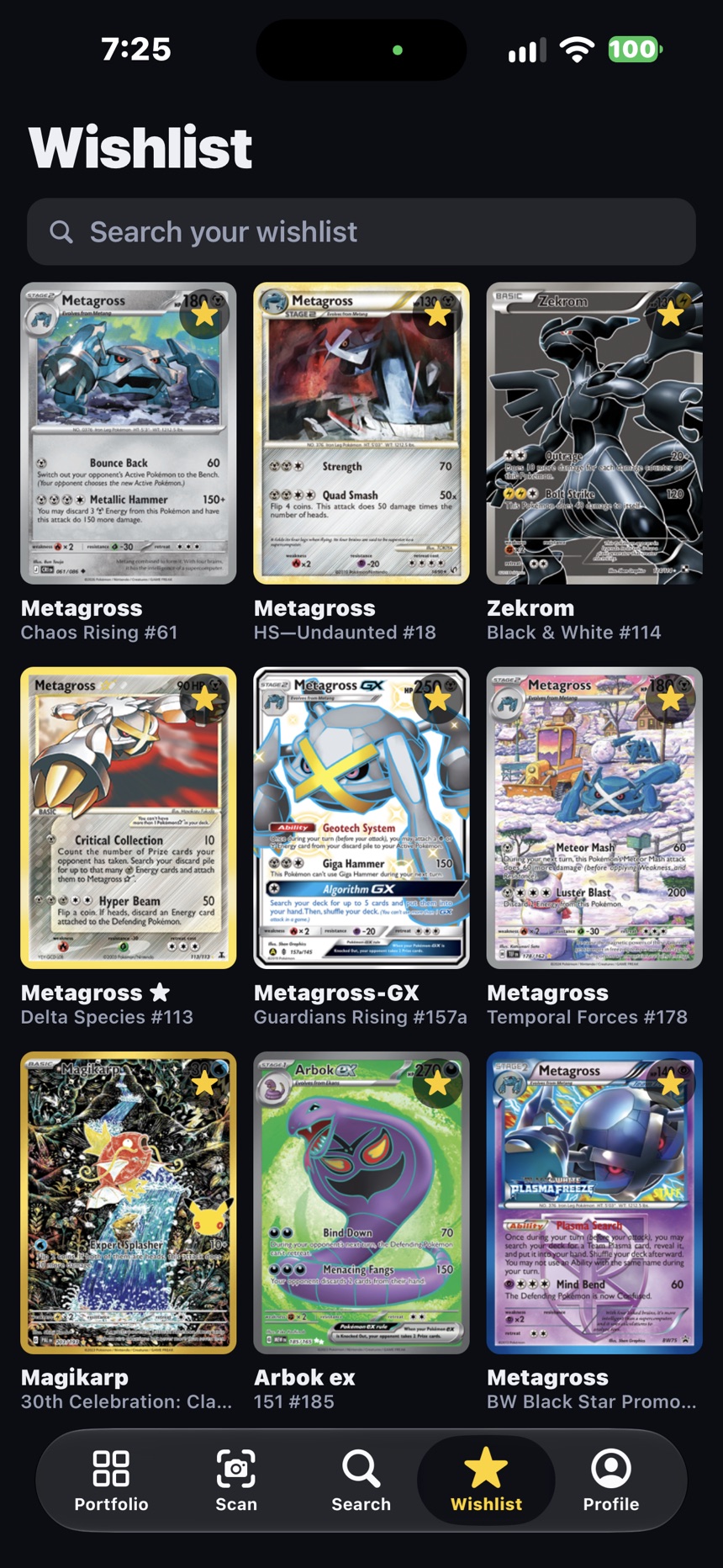
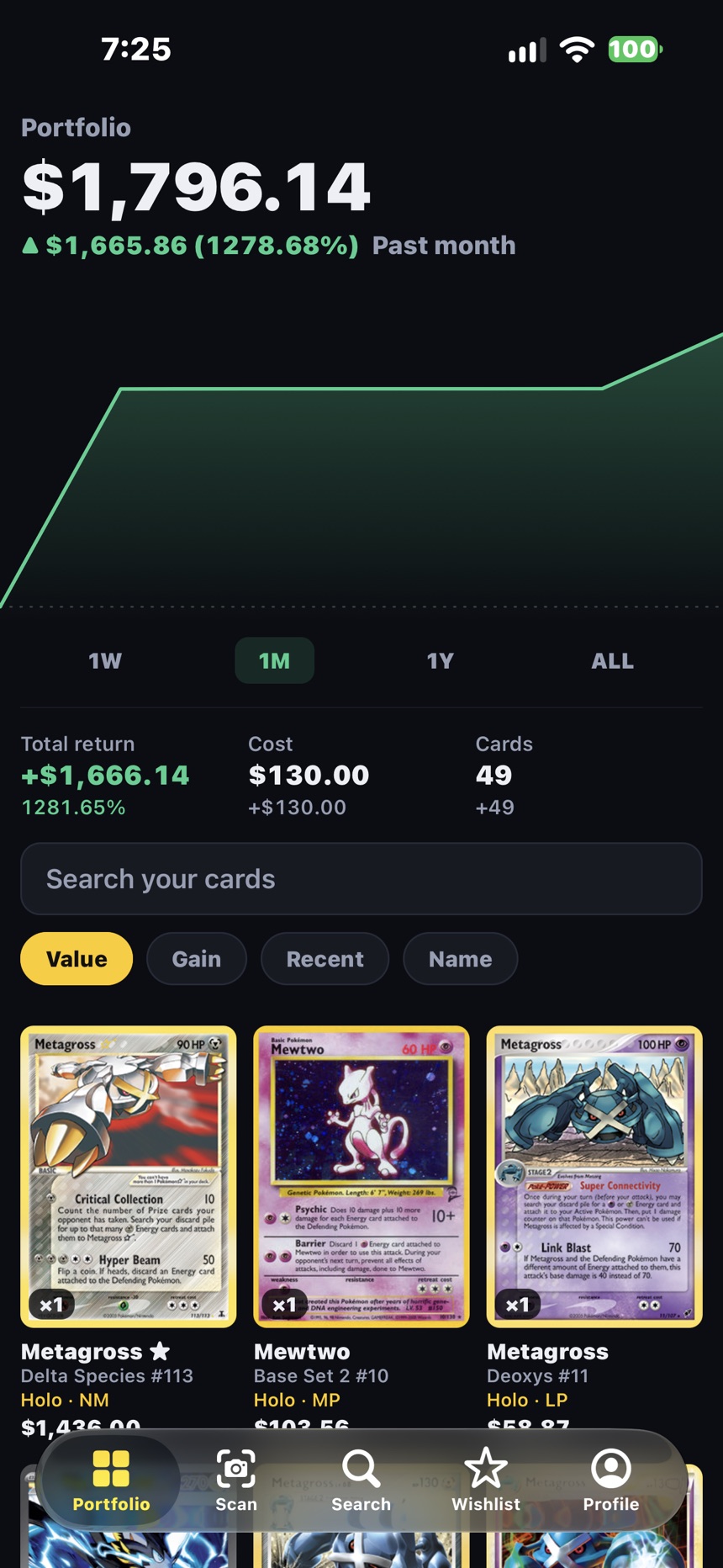
Scan your cards into your collection and wishlist. Then take them into live auctions — and know what every card is worth before you bid.
The Chrome extension
More than a collection app.
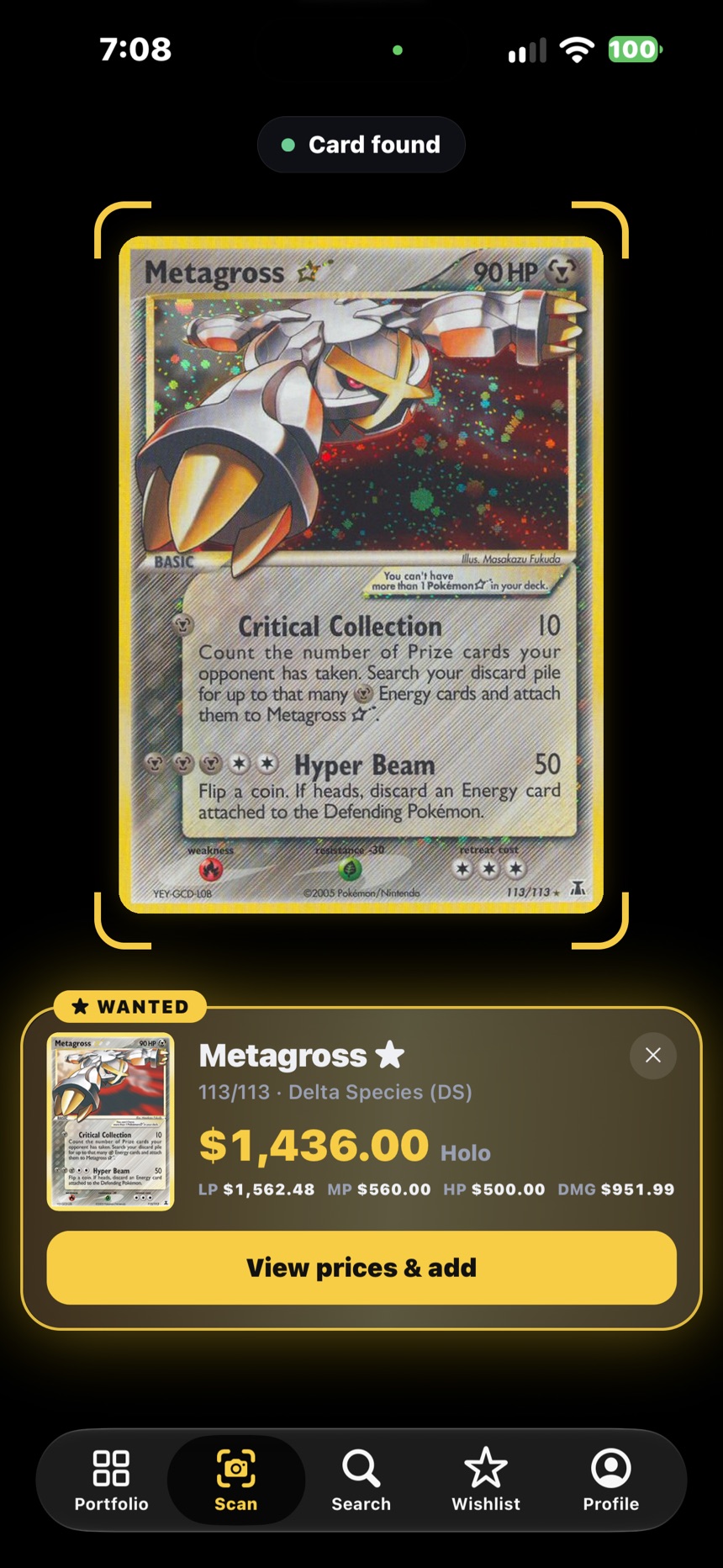
Your collection and wishlist follow you into live auctions. The extension sits next to the stream, reads every card the seller holds up, and gives you the market in the seconds you have to bid.
-
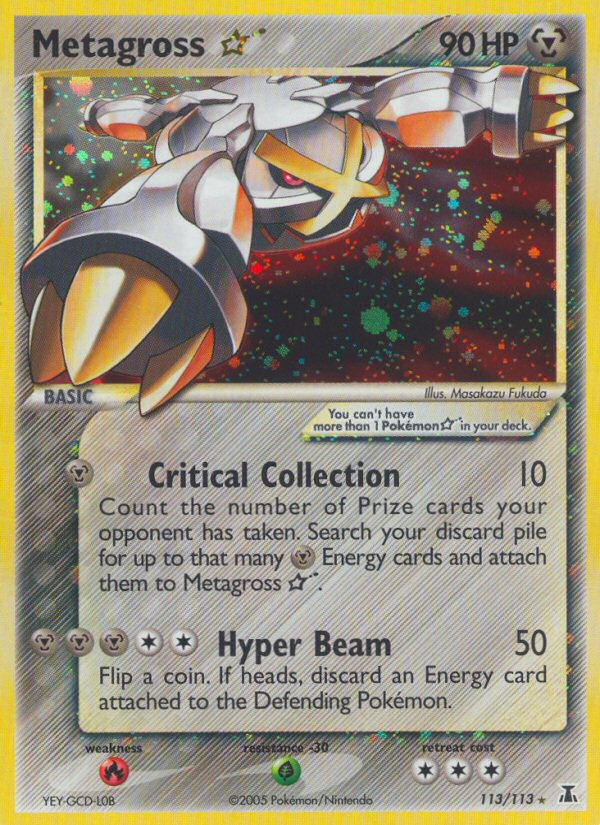
Reads every card on stream
No typing while the timer runs. Each card the seller shows is identified as it appears.
-
The market, not a guess
Prices by condition and grade, recent sales and what's listed on eBay right now.
-
Knows your collection
How many you already own, and a gold WANTED flash when it's on your wishlist.
The iPhone app
Your cards, in your pocket.
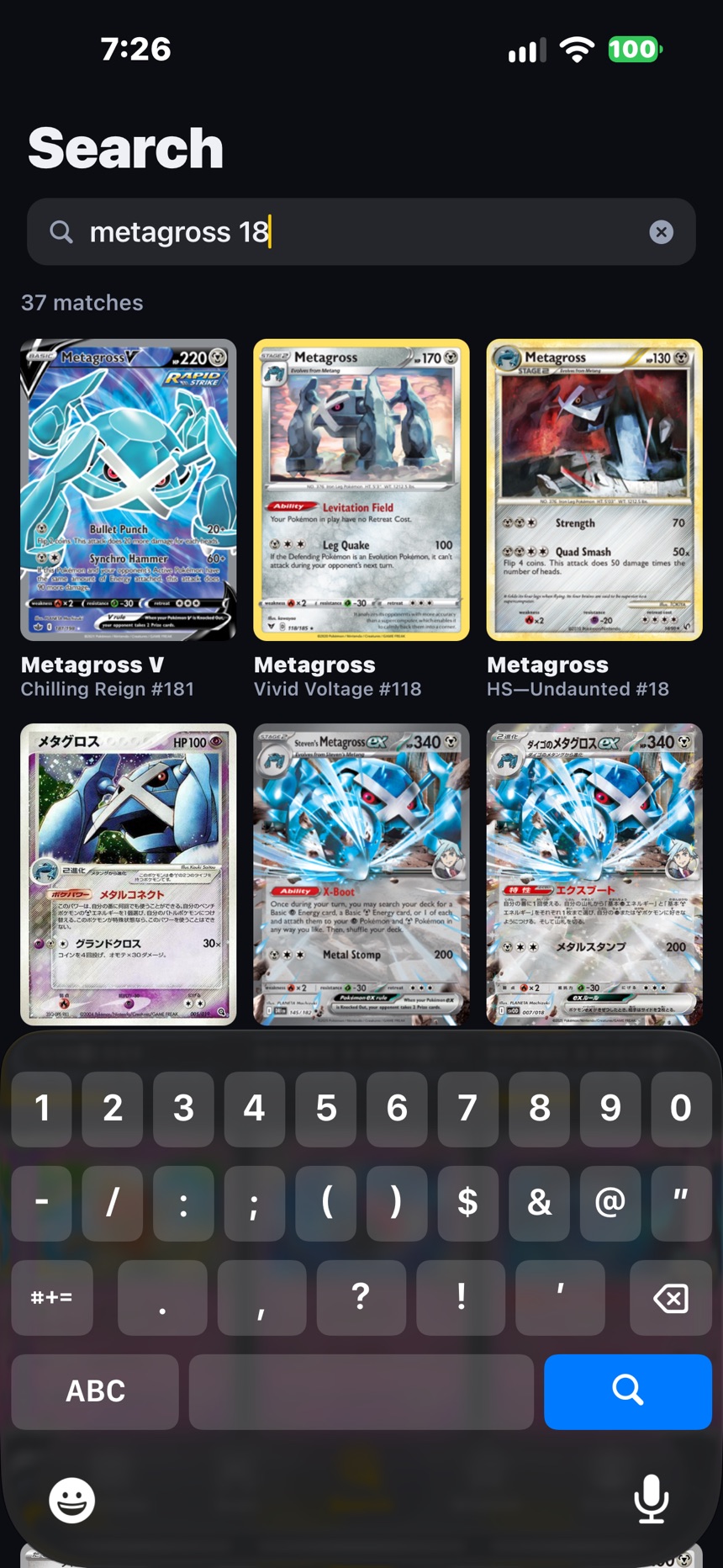
Scan to add, track what your collection is worth, and search every English and Japanese card.
Chrome extension
Add NearMint to Chrome
Not on the Chrome Web Store yet — it installs as an unpacked extension. Takes a minute.
Download extensionFree — you sign in with Google or Apple inside the extension. Works on Chrome 116+, Edge and Brave.
- Unzip the download. Keep the
nearmint-extensionfolder somewhere permanent. - Open
chrome://extensionsand switch on Developer mode. - Load unpacked → pick the folder.
- On a stream tab, click the icon and sign in with the same Google or Apple account as the app.
Updates: the panel tells you when a newer build is on this page. Download, unzip over the old folder, hit ↻ on the extension card.